
-
muhammadamjadbutt00@gmail.com
- February 14, 2026
- 0 Comments
- blog
SFM Compile is the process of converting raw 3D assets models, textures, animations, even maps into formats the Source Engine understands. Think of it as translation: your Blender or Maya exports speak “generic 3D,” but SFM only listens to “.MDL” for models, “.VTF/.VMT” for textures, and so on.
Without it, nothing loads. With it done right, your custom characters, props, and environments animate smoothly, render beautifully, and perform like native TF2 or Half-Life assets.
It’s not the same as “exporting your animation to video” (that’s the final render step). SFM compile happens before you even open the timeline it’s all about prepping the building blocks.
Why Bother with SFM Compile in 2026?
Because bad compilation ruins everything:
- Missing textures = that ugly purple-black grid.
- Broken animations = models that flop like ragdolls.
- Performance hits = your scene chugs at 5 FPS.
- Crashes = hours of work down the drain.
Proper SFM compile ensures:
- Stable loading in SFM.
- Correct bone rigging and flexes for facial animations.
- Optimized file sizes for faster renders.
- Physics that actually work (no clipping through floors).
In short: it’s the foundation. Skip it, and your cinematic masterpiece becomes a glitchy mess.
The Tools You Actually Need (No Fluff)
You don’t need fancy paid software. Here’s the 2026 toolkit:
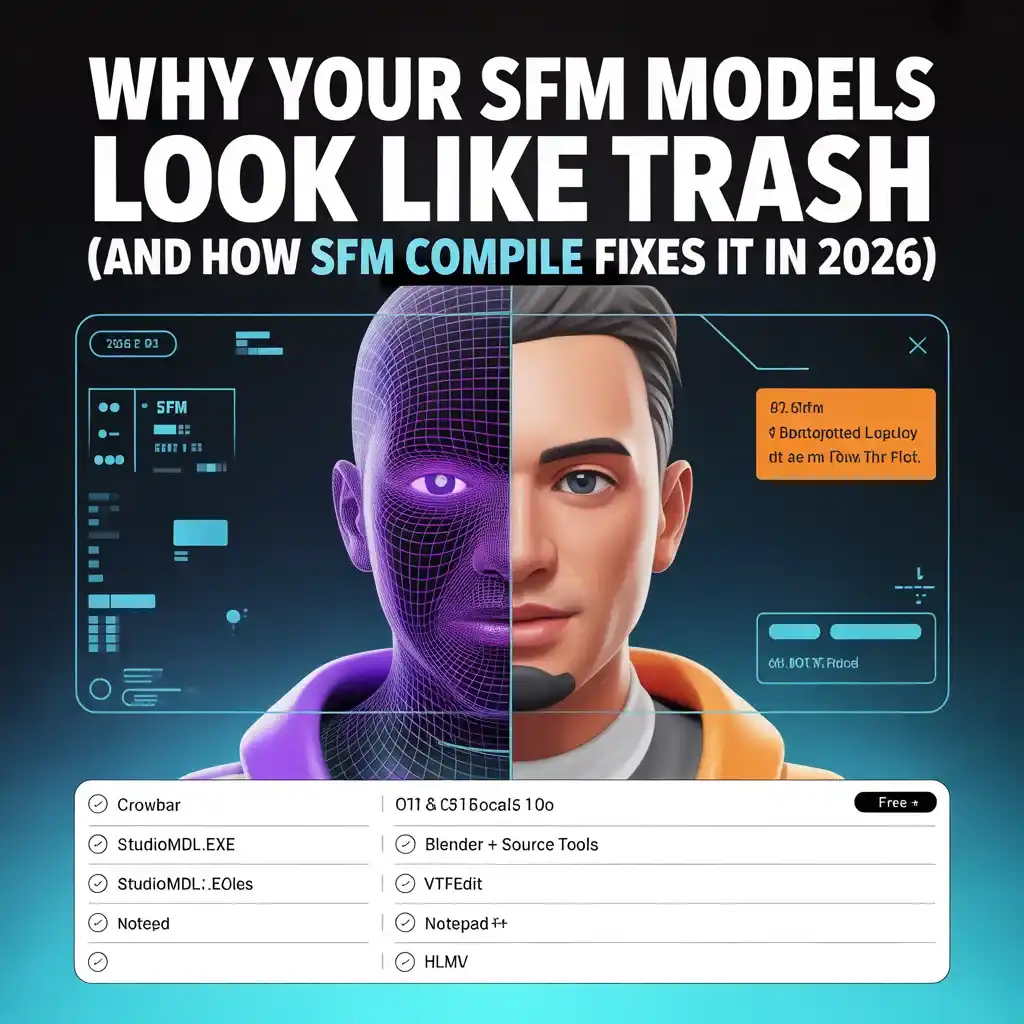
| Tool | Best For | Why It’s Essential | Free? |
|---|---|---|---|
| Crowbar | Beginners & batch work | GUI, decompiles too, error logs | Yes |
| Studiomdl.exe | Precision control | Official Valve compiler | Yes |
| Blender + Source Tools | Model creation/export | Free, exports perfect SMD/DMX | Yes |
| VTFEdit | Textures | Converts images to .VTF | Yes |
| Notepad++ | QC files | Syntax highlighting | Yes |
| HLMV | Testing | Quick model viewer | Yes |
Pro tip: Download Crowbar from its official GitHub—it’s still the gold standard. Pair it with Blender’s Source Tools addon (updated for 2026).
Step 1: Prep Your Assets Like a Pro
Organization is 80% of success. Set up this folder structure inside your SFM install:
SourceFilmmaker/
└── game/
    └── usermod/
        ├── models/
        │   └── your_project/
        ├── materials/
        │   └── models/
        │       └── your_project/
└── animations/ (optional)- Keep polygons under 60k per model for smooth performance.
- Export from Blender as SMD (for simple stuff) or DMX (for flexes and better animations).
- Create separate files: one for the reference mesh, one for physics collision.
Step 2: Writing the QC File (Your Blueprint)
The QC file is the recipe. It’s a plain text file that tells the compiler exactly what to do.
Here’s a battle-tested basic template (save as your_model.qc):
$modelname "models/your_project/your_model.mdl"  // Output path
$body "Body" "reference.smd"                     // Main mesh
$surfaceprop "flesh"                             // Physics sound/feel
$cdmaterials "models/your_project/"              // Texture folder (forward slashes!)
$sequence idle "idle.smd" fps 30                 // Basic animation
$collisionmodel "physics.smd" {                  // For props

    $mass 10

    $concave

}
Key lines explained:
- $modelname: Where the .MDL ends up.
- $cdmaterials: Must match your materials folder exactly.
- $sequence: Add more for walk cycles, attacks, etc.
- Comments (//) make future edits easy.
Save it in the same folder as your SMD files.
Step 3: Compiling—Two Ways That Actually Work
Option A: Crowbar (Easiest for 90% of Users)
- Open Crowbar.
- Set “Game” to Source Filmmaker (or your usermod).
- Go to Compile tab.
- Drag your QC file in.
- Hit Compile.
- Check the log for green “success.”
Option B: Command Line (For Power Users)
Navigate to SourceFilmmaker\game\bin\ in PowerShell/Command Prompt:
studiomdl.exe -game "..\usermod" "path\to\your_model.qc"Watch for “Compiling successful” in green.
Both output the same files: .MDL, .VVD, .VTX, .PHY.
Step 4: Handling Textures and Materials
Textures are the #1 fail point.
- Convert PNG/JPG to .VTF with VTFEdit.
- Create .VMT files (text) like this:
"VertexLitGeneric"

{

    "$basetexture" "models/your_project/your_texture"

    "$model" 1

}- Place in the exact materials folder.
- Test in HLMV (Half-Life Model Viewer) first no purple = good.
Common SFM Compile Errors (And Instant Fixes)
| Error | Cause | Fix in 30 Seconds |
|---|---|---|
| Purple/black textures | Wrong VMT paths | Edit $basetexture, use forward slashes |
| Model has no sequences | Missing $sequence in QC | Add at least one idle sequence |
| Can’t find bone | Rigging mismatch | Check bone names in Blender export |
| Missing VVD/PHY | No collision setup | Add $collisionmodel block |
| EXCEPTION_ACCESS_VIOLATION | Too many polys or bad mesh | Reduce to <60k triangles |
| File not found | Path errors | Update QC and restart SFM |
Advanced SFM Compile Tricks for 2026
- Batch compile: Drop 10 QCs into Crowbar at once.
- LODs: Add Level of Detail versions for distant shots (huge render boost).
- Flexes: Enable facial animations with $flexfile and $flex commands.
- Custom shaders: Tweak VMTs for better lighting.
- Multi-thread: Add -numthreads 7 to studiomdl for 8-core CPUs.
From Compiled Assets to Final Video
Once models work:
- Load into SFM.
- Build your scene.
- Animate on the timeline.
- Go to File > Export > Movie.
- Choose AVI (quality) or MP4 (smaller).
- Set resolution (1080p or 4K), 60 FPS.
- Hit render watch your masterpiece export.
Pro move: Compile a test scene first to catch lighting glitches early.
Best Practices That Save Hours
- Test after every change compile small, iterate fast.
- Use relative paths only (no C:\ drives).
- Keep backups of working QCs.
- Organize by project—never mix folders.
- Update Blender Source Tools regularly (2026 version handles DMX perfectly).
Community Resources That Still Rock
- r/SFM on Reddit (daily help).
- Steam SFM forums.
- YouTube channels like “Zachariah Scott” and “Tipsy Duck” (2026 updates).
- Source Developer Wiki for deep dives.
Final Thoughts: SFM Compile Is Your Superpower
Look, SFM might be “old” tech, but in 2026 it’s still the king of game-based animation. Valve’s tools haven’t changed much because they work. Once you nail SFM compile, the creative floodgates open.
Your next model won’t be a headache it’ll be the star of your best animation yet.
So fire up Crowbar, grab that QC template, and start compiling. Your audience (and your sanity) will thank you.