
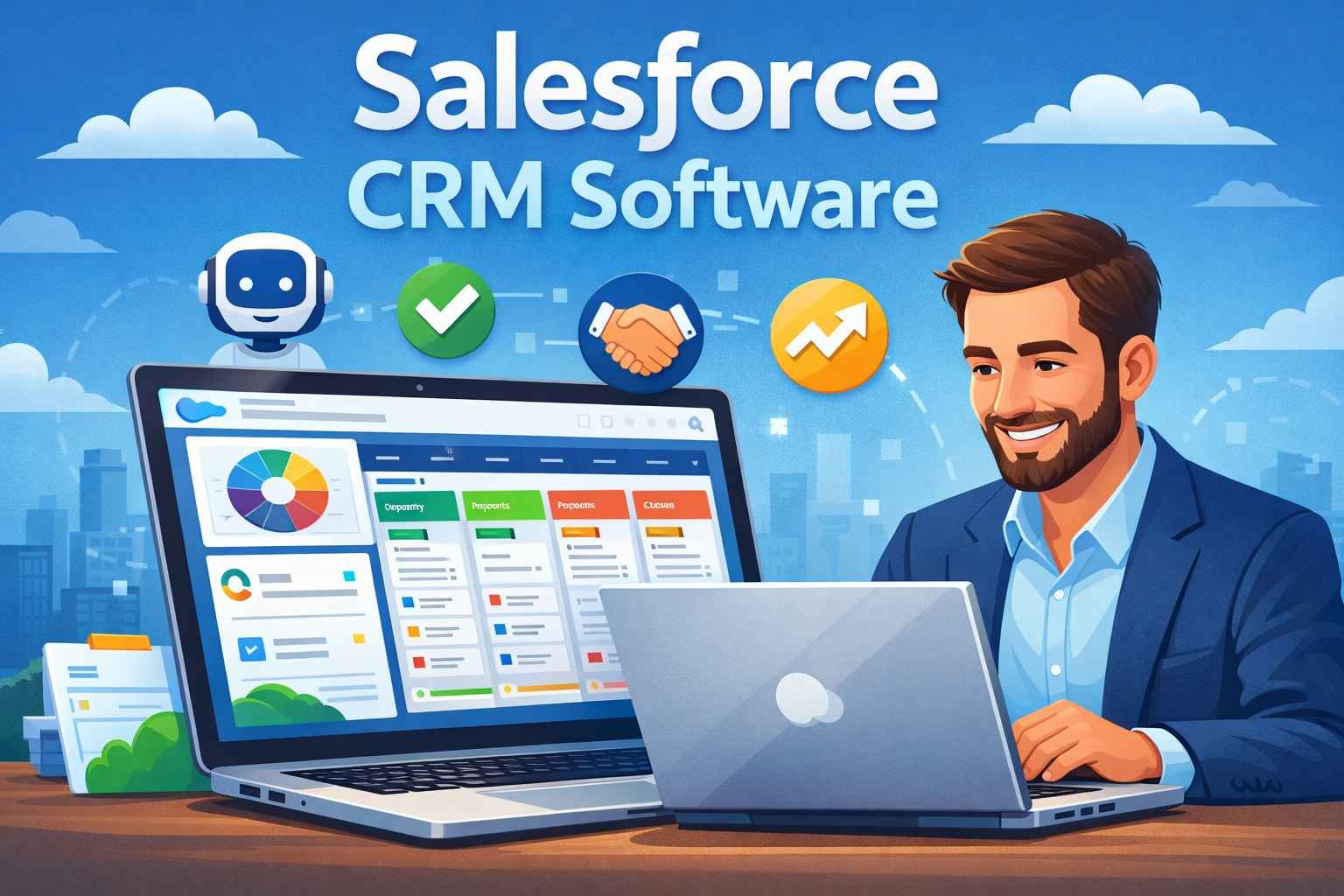
What Is the Aim of Salesforce CRM Software?
The main aim of Salesforce CRM software is to help businesses manage customers in a smarter and easier way.
Salesforce brings all customer information into one place so companies can clearly understand who their customers are, what they need, and how to serve them better. Instead of guessing or using scattered data, teams can make better decisions using real customer insights.
Another key aim of Salesforce CRM is to save time and effort for employees. With built-in AI and automation, many routine tasks are handled automatically. This means employees can focus more on important work like building relationships, solving problems, and closing deals—rather than doing repetitive tasks.
Salesforce also aims to help businesses respond faster. When customer questions, requests, or issues come in, teams can see everything instantly and take action without delays. Faster responses lead to happier customers and stronger trust.
One of the biggest goals of Salesforce CRM is to support business growth without adding pressure. Its smart tools act like a digital workforce that works around the clock. While technology handles large volumes of customer interactions, human teams can think creatively, set bigger goals, and achieve better results.
Which Forces Are Working in Agentforce?
-
Artificial Intelligence (AI)
Smart technology that understands data and takes actions automatically. -
Autonomous Agents
Digital workers that handle tasks like customer replies, sales support, and content creation. -
Human Teams
People focus on planning and creativity while AI manages routine work. -
Automation
Speeds up tasks and reduces manual effort across departments. -
Slack Communication
Slack acts as the communication force. It connects humans and AI agents in one place, making it easy to ask questions, solve problems, and complete tasks during everyday work conversations. -
Shared Data System
Keeps information updated and accessible for everyone.
10 Key Features of Salesforce
-
Single Customer View
All customer information is available in one shared place for the whole company. -
Unified Data Profiles
Data from different sources is combined to create one real-time customer profile. -
Zero-Copy Data Connection
Data is connected directly without copying, reducing risk and errors. -
AI-Powered Agents
Smart AI agents help with tasks, insights, and next-step suggestions. -
Agentforce Platform
A secure system to build, manage, and run AI agents across departments. -
Task Automation
Repetitive work is automated so teams can save time and effort. -
Human + AI Collaboration
Employees and AI agents work together inside the same apps and workflows. -
Customer 360 Apps
Sales, service, marketing, and commerce tools are connected in one system. -
Slack Integration
Work, communication, and AI support happen through simple conversations. -
Scalable Ecosystem
Businesses can grow using add-ons, partners, training, and support tools.
How to Download Salesforce Apps
You can download the Salesforce mobile app easily on your phone or tablet by following these steps:
-
Open the App Store if you are using an iPhone or the Google Play Store if you are using an Android phone.
-
In the search bar, type Salesforce.
-
Select the official Salesforce mobile app.
-
Tap on Install or Download.
-
Once installed, open the app and log in using your Salesforce account details.
What are Requirements to Use Salesforce Mobile App For Beginner
To run the Salesforce app smoothly, you need the following:
-
Smartphone or Tablet (Android or iOS).
-
Stable Internet Connection (Wi-Fi or mobile data).
-
Active Salesforce Account (login credentials required).
-
Updated Device Software for better performance.
-
Basic User Access to Salesforce features provided by your organization.
Top 4 Similar Popular Business and Marketing Software
| Software | Main Purpose | Key Functions | Ideal For |
|---|---|---|---|
| Productive.io | Streamline business operations | Manage projects, track time, oversee client work, monitor profitability, increase visibility across teams | Agencies, consultancies, professional service firms |
| Hootsuite | Enhance social media presence | AI-powered content creation, trend analysis, competitor insights, engagement tracking, personalized strategy suggestions | Marketing teams, content creators, social media managers |
| Zoho CRM | Grow customer relationships | Track leads, automate sales tasks, use contextual AI for insights, manage accounts, improve customer retention | Small to medium businesses, sales teams |
| Keap | Automate business growth | Automate follow-ups, streamline marketing and sales processes, manage leads, drive sales efficiency | Small businesses, solopreneurs, growing companies |
Key Takeaways
-
Productive.io focuses on internal business operations and profitability, helping service-based businesses manage projects and resources efficiently.
-
Hootsuite specializes in social media strategy, enabling businesses to understand trends, competitors, and audience sentiment.
-
Zoho CRM is all about customer relationship growth, making it easy to manage leads, accounts, and AI-driven sales insights.
-
Keap emphasizes sales and marketing automation, letting businesses sell more and follow up faster without manual effort.
Salesforce Sales Cloud – Top 10 Google Search Questions
1. What is Salesforce Sales Cloud?
Salesforce Sales Cloud is a CRM tool that helps businesses manage leads, customers, and sales activities in one place.
2. How does Sales Cloud help sales teams?
It helps sales teams track leads, manage accounts, run campaigns, and create reports easily, making the sales process faster and more organized.
3. What is the Salesforce Lightning Experience?
It is an improved interface that makes Sales Cloud easier to use and helps sales reps work more efficiently throughout the sales cycle.
4. Can Sales Cloud connect with email and calendars?
Yes, it integrates with Outlook to sync emails, contacts, calendars, and tasks for smooth daily work.
5. Is Salesforce Sales Cloud good for small businesses?
Yes, it helps small businesses organize contacts, track sales activities, manage tasks, generate leads, and measure performance.
6. What extra features does Sales Cloud offer for large businesses?
For larger companies, it includes tools like call scripting, team collaboration, workflow automation, approval systems, and custom app integration.
7. How does Sales Cloud support data and security?
Sales Cloud runs as a cloud-based service with built-in data management, security, workflows, and a user-friendly interface.
8. How does Sales Cloud improve sales decisions?
It provides smarter insights using unified data and analytics, helping teams forecast sales and grow revenue.
9. What role does AI play in Sales Cloud?
AI helps sales teams sell smarter by offering insights, improving engagement, and speeding up the sales process.
10. What is Agentforce in Salesforce Sales Cloud?
Agentforce uses smart agents to grow the sales pipeline by nurturing leads automatically and coaching sales reps to improve performance.