
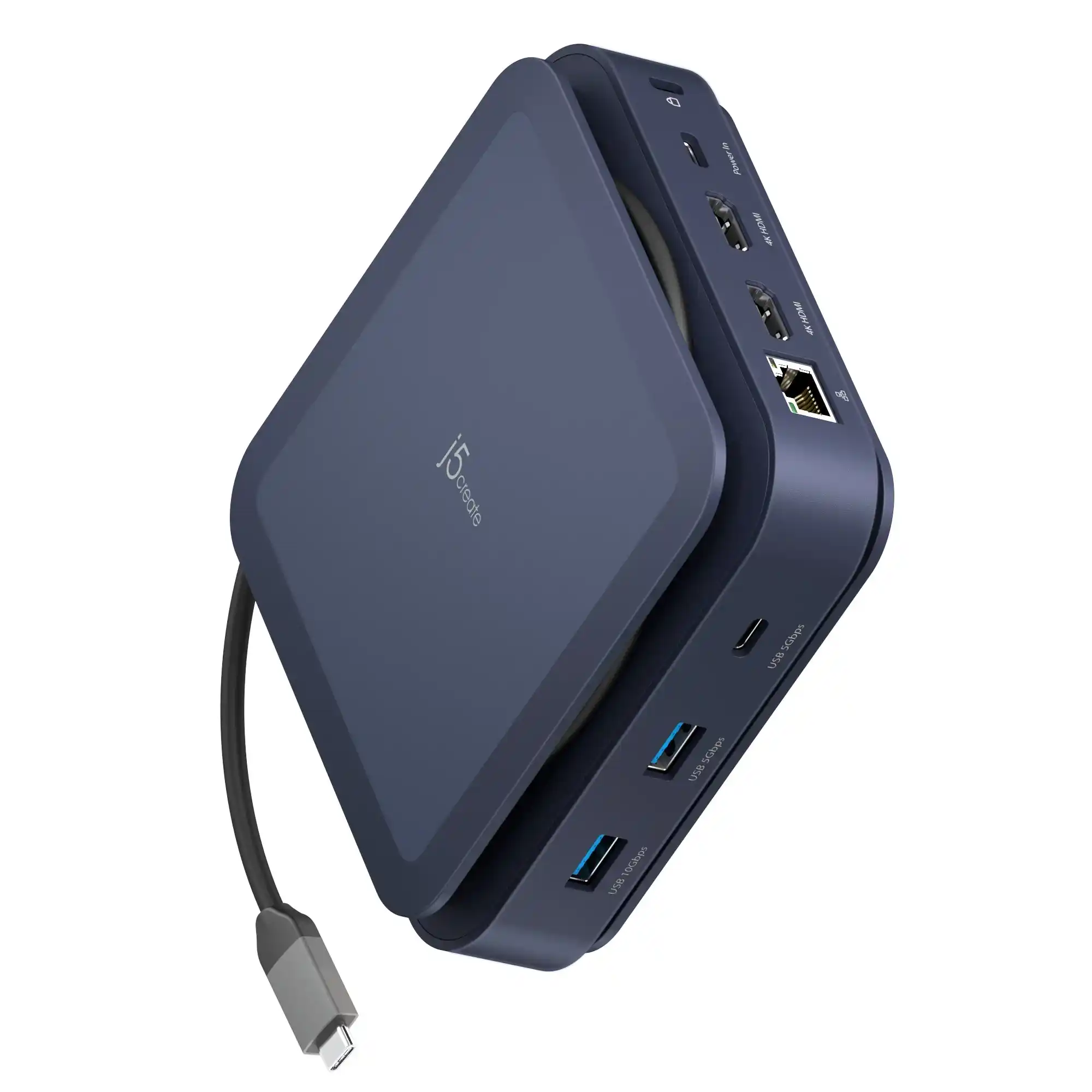
What is j5create
j5create is a hardware brand that provides USB-based connectivity devices used to expand and improve the connection options of computers.
Which devices can it be attached to?
Uses USB as a hardware interface
Connects with Windows PCs
Works with laptops
Supports other USB-compatible devices
Is it a China-based company or an international company?
The company operates in multiple global regions
Available regions include Americas, Asia, Africa, Europe, and the Middle East
In the Americas, it supports countries like the United States, Argentina, Canada, and Mexico
Each region has localized language support, showing global availability
The region selector confirms the brand serves worldwide markets, not limited to one country
What does this company sell?
This company sells USB-C connectivity and computer accessories. Its products are designed to help users connect their laptops and devices to monitors, TVs, projectors, USB devices, the internet, and power sources.
In simple terms, the company sells:
-
USB-C to HDMI, VGA, and DisplayPort adapters
-
4K display adapters and cables
-
Dual and multi-monitor adapters
-
USB-C multi-adapters
-
Mini docks and docking stations
-
Power Delivery (PD) charging adapters
-
Accessories for laptops, PCs, and MacBooks
These products are mainly used for office work, home setups, presentations, and multi-screen environments.
How fast does the J5Create transfer data?
It supports a data transfer rate of up to 5 gigabits per second.”
Where can I buy this J5Create HUB?
You can purchase the J5Create Wormhole Switch and Display Sharing device directly from Amazon. Check availability, pricing, and order it safely here: Amazon J5Create Product.”
Top 6 Functions of J5Create Hub
1 – Effortless Multi-Device Control: The J5Create docking station allows you to control two Windows computers using a single keyboard and mouse thanks to its built-in KM functionality. Switching between tasks and devices becomes seamless, making multi-device management effortless.
2 – Flexible Screen Sharing: With the J5Create USB to HDMI support, you can share your screen between two Windows devices in both Duplicate and Extend modes. The Picture-in-Picture feature in Duplicate mode is movable and resizable, giving you extra flexibility for multitasking.
3 – Streamlined File Transfers: Easily transfer files across devices using drag-and-drop or copy-and-paste, either directly between screens or through the Picture-in-Picture window. This function simplifies document, media, and project sharing.
4 – Advanced Touchscreen Support: The hub integrates smoothly with touchscreen tablets, enabling virtual multi-touch gestures, Windows gestures, and stylus pen functionality. It automatically adapts to screen rotation and resizing in Extended mode.
5 – High-Speed Peripheral Connectivity: The docking station is equipped with two USB Type-A 5 Gbps ports and one USB-C 5 Gbps port, making it easy to connect external drives, printers, or other peripherals. Please note that peripheral connections are routed through the PC1 host.
6 – Easy Setup with J5Create Drivers: To unlock all features, make sure to install the latest J5Create drivers. The J5Create driver ensures optimal performance for USB, HDMI, and peripheral connectivity across devices.